How do I respond to a negative review? Respond calmly and promptly: thank them, acknowledge the issue without arguing, apologize where appropriate, and offer to make it right offline. A professional public reply isn’t really for the reviewer — it shows every future customer how you handle problems.
Should I respond to negative reviews?
Yes — almost always. A calm, professional reply shows prospective customers you take feedback seriously. Silence or defensiveness does more damage than the original review.
What should a good response include?
- A genuine thank-you for the feedback
- Acknowledgement of their experience
- A brief, sincere apology where warranted
- An offer to resolve it offline (phone or email)
- No arguing or blaming
Can I get a bad review removed?
Only if it violates the platform’s policies (fake, spam, off-topic or abusive) — you can flag those for review. Legitimate criticism usually stays, so the best response is handling it well in public.
How do negative reviews affect my business?
A few negative reviews among many positives actually look authentic. What matters most is responding professionally and maintaining a steady flow of genuine positive reviews over time.
What is mobile-first design? Mobile-first design means building your website for phones first, then scaling up to larger screens — rather than designing for desktop and squeezing it onto mobile. It matters because most visitors are on phones, and Google primarily uses the mobile version of your site for ranking.
Why is mobile-first important?
Most web traffic is mobile, and Google predominantly uses your site’s mobile version to index and rank (mobile-first indexing). A site that only works well on desktop loses both visitors and ranking potential.
What makes a good mobile experience?
- Fast loading on a phone connection
- Readable text without zooming
- Thumb-friendly buttons and tap targets
- Easy click-to-call and short forms
- No intrusive popups
Does mobile-first affect SEO?
Yes — because Google ranks based on your mobile site, a poor mobile experience can hold back rankings even if the desktop version is great. Mobile performance and usability are part of the ranking picture.
How do I know if my site is mobile-friendly?
Open it on your own phone and try to find your number, read the content, and tap the buttons. Free tools and Google’s Core Web Vitals report also flag mobile usability and speed issues.
What is a meta description? A meta description is the short summary that appears under your page’s title in search results. It doesn’t directly affect rankings, but a clear, compelling one can improve your click-through rate — so it’s worth writing a unique, accurate description for each important page.
What is a meta description used for?
It’s the snippet searchers read to decide whether to click your result. Google may rewrite it, but a good description still influences click-through and sets accurate expectations for the page.
Does a meta description affect SEO?
Not as a direct ranking factor. Its value is in click-through rate — a more compelling snippet can earn more clicks from the same ranking, which is why it’s worth getting right.
How do I write a good meta description?
- Summarize what the page actually delivers
- Keep it concise (roughly 150–160 characters)
- Include the main keyword naturally
- Add a clear reason to click
- Make each page’s description unique
What should I avoid?
Duplicate descriptions across pages, keyword stuffing, and vague or misleading copy. If the snippet over-promises, visitors bounce — accuracy builds trust and lowers bounce.
How do I make my website load faster? The biggest wins usually come from compressing and right-sizing images, cutting unnecessary scripts and plugins, enabling caching, and using quality hosting. Speed matters because slow sites lose visitors before they read a word — and it affects both conversions and rankings.
Why does website speed matter?
Most visitors are on phones and abandon slow pages quickly. Speed affects conversions directly and is part of Google’s Core Web Vitals, so a faster site helps both your customers and your rankings.
What slows a website down?
- Large, uncompressed images
- Too many scripts, plugins or third-party tools
- Slow or low-quality hosting
- No caching
- Bloated, unoptimized code
What are the quickest speed wins?
Compress and properly size images (often the single biggest fix), remove unused plugins and scripts, enable caching, and choose solid hosting. These usually deliver the most improvement for the least effort.
How do I measure my site speed?
Free tools like Google’s PageSpeed Insights and the Core Web Vitals report show your load metrics and the specific issues to fix. Test on mobile, since that’s how most people visit.
What are backlinks and why do they matter? A backlink is a link from another website to yours. Search engines treat relevant, trustworthy backlinks as votes of confidence, so they’re an important authority signal for SEO. Quality and relevance matter far more than quantity — and links should be earned, not bought.
What is a backlink?
It’s simply a link on another website pointing to a page on yours. When a reputable, relevant site links to you, it signals to search engines that your content is trustworthy and worth surfacing.
Why do backlinks matter for SEO?
They’re one of the ways search engines judge authority. A handful of links from relevant, reputable sites can carry more weight than hundreds of low-quality ones — it’s about trust, not volume.
How do I earn backlinks?
- Publish genuinely useful content worth linking to
- Get listed in legitimate local and industry directories
- Earn press, partnerships and community mentions
- Build real relationships in your industry
Should I buy backlinks?
No. Buying links violates Google’s guidelines and can trigger penalties that hurt your rankings. Earned, relevant links are slower but safe and durable; link schemes are a genuine risk.
What is a sales lead? A sales lead is a person or business that has shown interest in what you offer — by calling, filling out a form, or otherwise sharing their contact information. Leads sit between an anonymous visitor and a paying customer, and the goal of marketing is to turn the right visitors into qualified leads.
What’s the difference between a visitor and a lead?
A visitor is anonymous traffic; a lead has raised their hand — given you a way to follow up. Not every visitor should become a lead, but the right-fit ones are who your marketing should be designed to capture.
How do I get more sales leads?
- Make it easy to contact you (forms, click-to-call)
- Offer something useful in exchange for contact info
- Send paid and organic traffic to focused pages
- Follow up quickly — speed matters
- Track which sources produce real leads
What is a qualified lead?
A qualified lead is one that actually fits what you offer — the right service, area and budget. Chasing volume alone wastes time; qualified leads are the ones worth your follow-up.
Why does fast follow-up matter?
Interest fades quickly. Responding to a new lead promptly — while they’re still thinking about you — dramatically improves your odds compared with following up days later.
How do I write a Google ad that gets clicks? Write ads that match the searcher’s intent: mirror the keyword they used, lead with a clear benefit, add a specific offer or proof point, and end with a strong call to action. Then send the click to a landing page that delivers exactly what the ad promised.
What makes a Google ad effective?
Relevance. The closer your ad matches what someone searched, the more likely they click — and the better your Quality Score, which lowers your cost. Speak to their intent, not just your features.
What should the headline say?
Lead with the benefit or the exact thing they searched for, and include the keyword naturally. Specifics (‘Same-day repair in Oak Brook’) beat vague claims (‘Best service ever’).
Should I include an offer or call to action?
Yes. A clear next step (‘Get a free quote’, ‘Book today’) plus a concrete offer or proof point (years in business, a guarantee, a free estimate) gives people a reason to click now.
Does the landing page matter?
Hugely. An ad is only half the job — if the click lands on a slow or mismatched page, you’ve paid for nothing. Match the page to the ad’s promise and make the next step obvious.
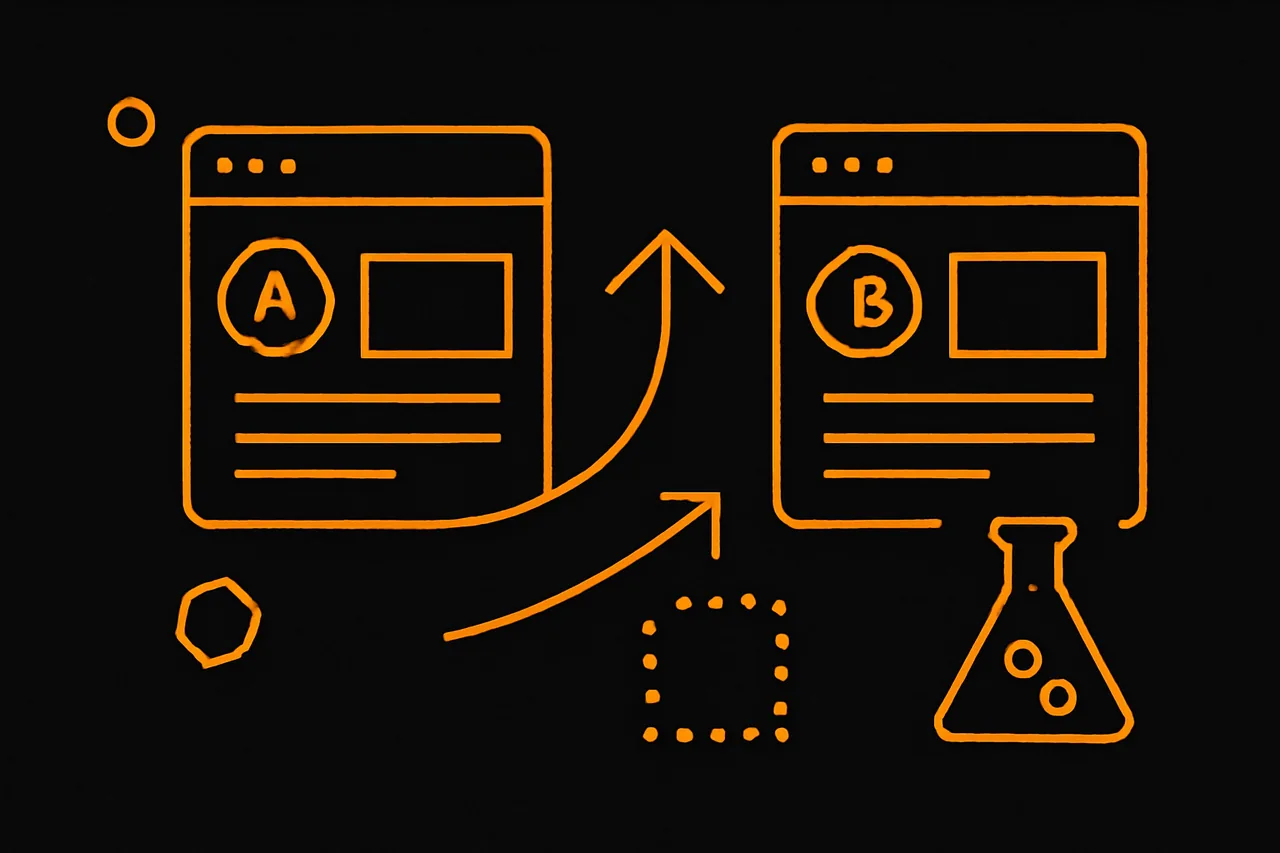
What is conversion rate optimization (CRO)? CRO is the practice of improving the percentage of visitors who take a desired action — calling, booking, buying — usually by testing changes to your page, offer and flow. Instead of just chasing more traffic, it gets more value from the visitors you already have.
How does CRO work?
You measure your current conversion rate, form a hypothesis about what’s holding visitors back, test one change at a time (a headline, a CTA, a form), measure the result, and keep what works. It’s a steady, evidence-based loop — not guesswork.
Why is CRO valuable?
Traffic is expensive, so improving conversion makes every visitor and every marketing dollar work harder. A better conversion rate means more leads from the same traffic, which compounds the return on all your other marketing.
What can I optimize?
- Headlines and offers
- Calls-to-action
- Page speed and mobile experience
- Form length and friction
- Trust signals like reviews
How do I avoid bad CRO?
Change one thing at a time so you know what caused the result, give tests enough data before deciding, and don’t chase tiny tweaks while ignoring big issues like a slow site or an unclear offer. Honest testing beats opinions.
What is Google Analytics and do I need it? Google Analytics is a free tool that shows how people find and use your website — where visitors come from, which pages they view, and what actions they take. Most businesses benefit from it (or a similar tool): without measurement, you’re guessing about what works.
What does Google Analytics show you?
- Where your visitors come from (search, ads, social, referral)
- Which pages they visit and how long they stay
- What devices they use
- Conversions like form fills and calls (once set up)
Do I really need analytics?
If you spend any time or money on marketing, yes — it tells you what’s working so you invest wisely. Even a simple setup beats flying blind; without it you can’t tell which efforts produce customers.
Is Google Analytics free?
Yes, the standard version is free and covers what most small businesses need. The real investment is the time to set it up correctly and to actually review the data.
What should I track?
Focus on outcomes that map to revenue — form submissions, calls, bookings and their sources — not vanity metrics like raw pageviews. Set up conversion tracking so the data reflects real business results.
What is retargeting? Retargeting (or remarketing) shows ads to people who already visited your website or engaged with you but didn’t convert. Because it reaches warm, familiar prospects rather than cold strangers, it often converts efficiently — as long as it’s used respectfully and not overdone.
How does retargeting work?
When someone visits your site, a tag lets ad platforms show them your ads later on other sites, social feeds or search. It keeps your business top of mind with people who already showed interest.
Does retargeting actually work?
It often performs well because it targets warm audiences who already know you. Results vary by business and offer, and it works best paired with a clear reason to return — not as a standalone fix.
Can retargeting be annoying?
Yes, if overdone. Showing the same ad too often (‘ad fatigue’) frustrates people. Cap how often ads show, refresh the creative, and exclude people who already converted.
Do I need a lot of traffic for retargeting?
You need enough website visitors to build a meaningful audience. Very low-traffic sites may see limited reach, so retargeting is usually paired with channels that bring people to the site first.